
Counter tutorial
The counter is the first full tutorial. A number wakes once per second, and that tiny loop walks through Ratatui Kit’s core path: component update, hooks retaining state, an async task writing state, and a waker waking the next frame.
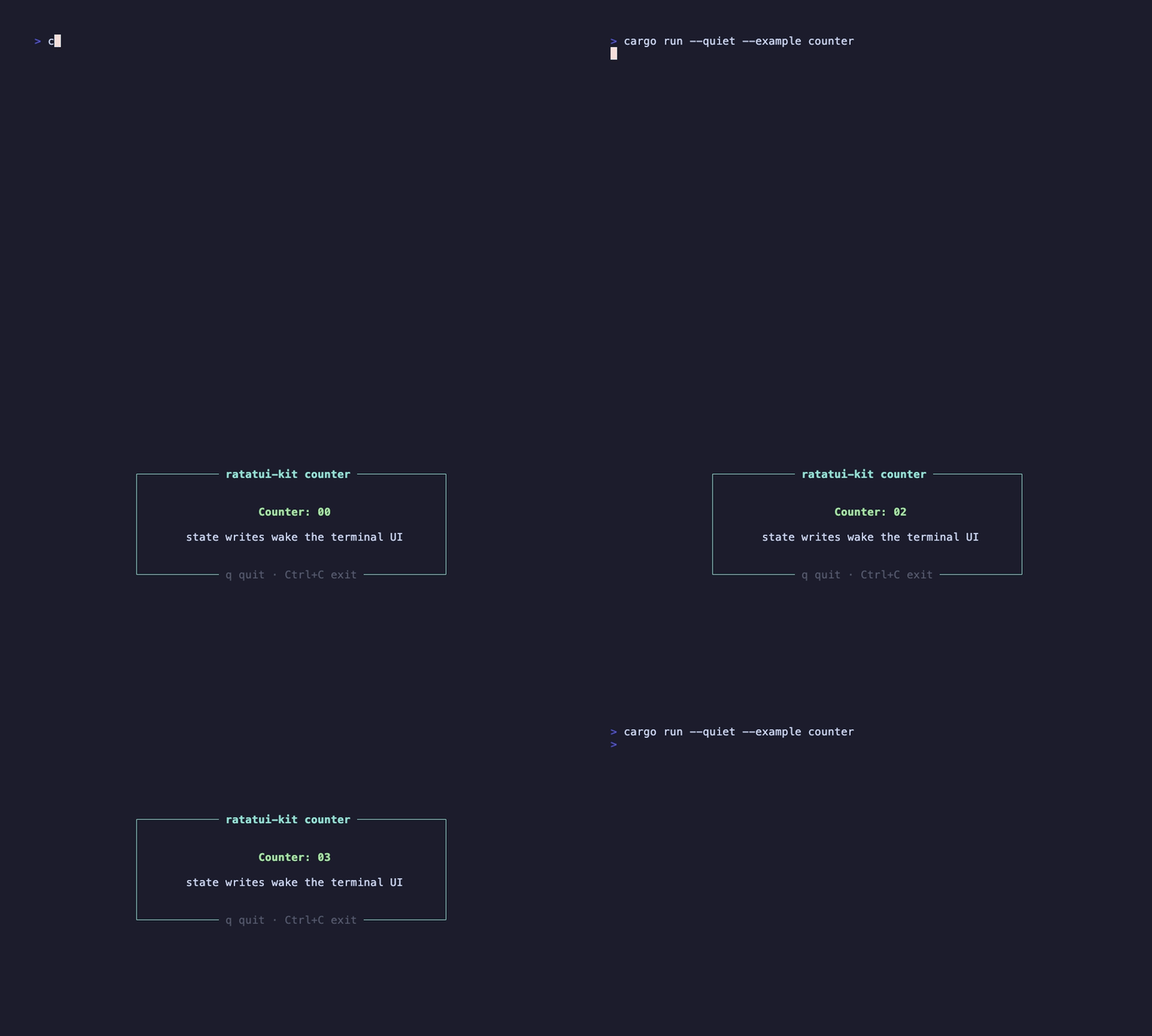
This recording is generated by docs/tapes/counter.tape and runs the real example from the repository.
Run it
Section titled “Run it”Press q to exit, or use Ctrl+C to force exit.
The full source is in examples/start/counter.rs. Here is the component body:
What happens
Section titled “What happens”#[component] turns Counter into a persistent UI unit. The function runs again every frame, but hooks are attached to the component instance and do not disappear when the function returns.
use_state creates local state:
count is a copyable reactive handle. It is not an ordinary local variable; writing to it wakes the runtime.
use_future starts one async task when the component mounts:
Every count += 1 marks the state as changed. The render loop is waiting for either “component tree changed” or “terminal event”, so it wakes, reruns the component function, and draws the new number to the terminal.
element! describes this frame’s UI:
This conceptual snippet omits style and inner layout, keeping only the outline of the element tree. The Element here is a cheap declaration rebuilt every frame; the runtime-reused component instance is what actually stores state.
Why this example matters
Section titled “Why this example matters”This example runs through the framework’s smallest closed loop:
- The entrypoint starts with
element!(Counter).fullscreen().await. - The component function declares UI.
- Hooks retain state and side effects across frames.
- Reactive state wakes the next frame.
- The Ratatui buffer is written only during draw.
Next, read Async data states to replace “increment on a timer” with “request, loading, error, and data refresh”.